What we need to see
Representative documents, the fields you need and examples of scans, missing pages or difficult layouts.

AI work pattern · every industry
Every business has the same data-entry tax. Quotes get retyped into the CRM. Engineering drawings get translated into bills of materials by hand. Customer emails get summarised into ticket systems. We build AI that reads any document, extracts what matters, and puts it where it belongs, at machine speed.
Tell us the task, your current tools and where the work gets stuck. We will help you choose a sensible first scope.
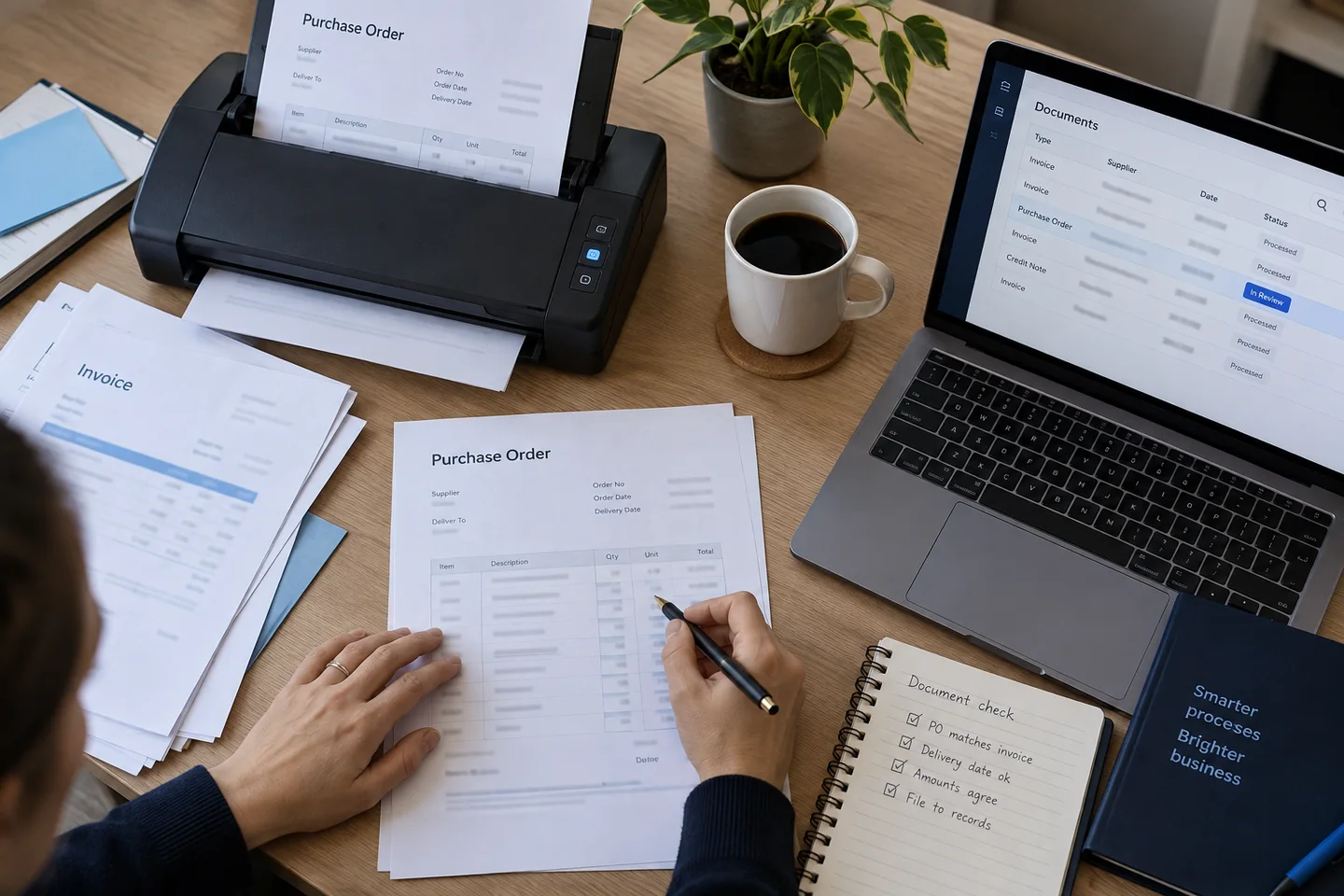
Representative documents, the fields you need and examples of scans, missing pages or difficult layouts.
Check field accuracy against a human-labelled sample and measure the time still needed to verify the output.
Keep the source beside each extracted value. A named reviewer checks critical fields before downstream use.
The work in context · Illustrative scenes

Start with representative examples, the tools involved and the point where the work slows down.

Show the prepared work to the right person, flag uncertainty and keep a clear route to correct mistakes.
Old-school OCR gives you text. You don't want text. You want structured data (supplier, line items, totals, dates, references) organised the way your downstream system expects.
PDFs, scans, photos taken on a phone, Excel files renamed as PDFs, emails with the actual data in the signature. Brittle template-based tools collapse the moment something looks different.
Engineering drawings, contracts, spec sheets, RFQs, these are where the time is. They're also exactly the documents that off-the-shelf tools refuse to touch.
When the AI gets something wrong, you need to see why, fix the rule, and trust it next time. Tools that just return a JSON blob with no audit trail are unusable for anything that affects money.
Before any AI runs, we agree on the exact data shape you need. Every field has a type, a validation rule, and a confidence threshold. This is what stops the model going off-piste.
Modern multi-modal models read PDFs the way a human does, text, tables, images, handwriting, signatures. No template setup. We test new supplier formats before allowing unattended posting.
Extracted data is checked against your master records (suppliers, customers, part numbers, accounts). Anything that doesn't reconcile gets flagged before it hits your live system.
Above the confidence threshold: straight through to your system. Below: a one-click review queue with the original document side-by-side with the extracted fields. The system learns from every correction.
£3,200-£12,000 for build (per document type), ~£200-£600/month for hosting + accuracy monitoring
From £3,200excluding VAT
Document extraction
Modern vision-language models are surprisingly good at British handwriting on forms, delivery notes, and timesheets, better than human readers in some cases. Signatures get verified against a reference where you need that (HR onboarding, contracts).
Yes. For Kingsland Fabrications we built a pipeline that reads engineering drawings (extracting cut lists, weld symbols, material grades, and finishes) and produces a bill of materials directly. It handles drawings in different conventions and from different drafting tools.
It gets flagged for review with a reason. You decide whether to extend the schema, route it to a different pipeline, or handle it manually. Unknown structure never silently corrupts your data.
Usually 5-20 examples per document type is enough to validate quality. We don't fine-tune the underlying model, we use prompt engineering, schema validation, and verification layers. That means new document types ship in days, not months.
We agree where data is processed, which providers are used, retention settings and access permissions before the build. We document the processing terms and test the chosen setup against your requirements. Private or on-premise deployment is scoped where feasible.
Keep exploring
A new website. More customers. Less admin.
Tell us where you want to get to. We will reply within one working day.