

Your homepage is not your whole website. It’s the front door. Its job is simple: tell visitors they’re in the right place and show them where to go next.
Most small business homepages try to do far too much. They cram in everything — the full company history, every service listed in detail, a stock photo slider, a “welcome to our website” banner, and sometimes a motivational quote for good measure. The result is a page that says everything and communicates nothing.
Here’s what your homepage actually needs, what’s actively hurting you, and a simple test to check if yours is working.
The five-second test
Before we get into specifics, try this. Pull up your homepage on your phone (not your laptop — most visitors are on mobile). Show it to someone who’s never seen it before. After five seconds, take the phone away and ask them three questions:
- What does this company do?
- Where are they based?
- How would you contact them?
If they can answer all three, your homepage is doing its job. If they can’t, everything below matters.
This isn’t a gimmick. Research consistently shows you have roughly five seconds before a visitor decides whether to stay or leave. Not five seconds to read your whole page — five seconds to give them enough confidence to keep scrolling.
What your homepage needs
A clear value proposition above the fold
“Above the fold” means the part of the page visible without scrolling. This is prime real estate. Don’t waste it on a generic image slider or a “welcome to our website” message.
Use this space to answer one question: what do you do and who do you do it for? Be specific. “Web design and AI solutions for small businesses in Manchester” tells you everything. “Innovative digital solutions for the modern world” tells you nothing.
Your headline should be the thing a customer would search for or tell a friend. If someone asks your mate what you do and they’d say “they build websites for tradespeople”, then that’s your headline. Not “Empowering businesses through digital transformation.”
What you do — in plain English
Below the fold, outline your main services. Not all of them — the main ones. Three to five is usually right. Each one needs a short description (two sentences max) and a link to learn more.
Don’t make people guess what each service involves. “Web Design” is fine as a heading, but add a line like “Professional websites that work on every device and actually bring in enquiries.” Now they know what you mean by web design and why they should care.
Who you serve
This is optional but powerful, especially if you work with specific industries. A simple “We work with manufacturers, tradespeople, retailers, and charities across Greater Manchester” immediately helps the right people self-identify and feel confident you understand their world.
If a fabrication shop owner lands on your page and sees you specifically mention manufacturing, they’re far more likely to stay than if your messaging is entirely generic.
Social proof
Trust signals. Reviews, testimonials, logos of businesses you’ve worked with, case study snippets. Anything that shows you’ve done this before for real people.
The most effective social proof is specific. “Happy Webs built our website and enquiries doubled in three months” — with a name, a business, and ideally a photo — is ten times more powerful than “Great service, highly recommend” from “J. Smith.”
If you’ve got Google reviews, embed your rating. If you’ve got case studies, show a headline result. If you’ve worked with recognisable brands, show the logos. Don’t have any of this? Getting testimonials from existing customers should be near the top of your to-do list.
A clear call to action
Every page on your site should have an obvious next step. On the homepage, this is even more critical.
What do you want visitors to do? Ring you? Fill in a form? Request a quote? Book a consultation? Whatever it is, make it obvious. A button that says “Get a Free Quote” or “Book a Consultation” in a contrasting colour, visible without scrolling, is the minimum.
Don’t make the mistake of having no call to action above the fold. If the only way to get in touch is a “Contact” link buried in the navigation menu, you’re relying on visitors being motivated enough to hunt for it. Most won’t.
And put your phone number in the header. Visible on every page. Clickable on mobile. Some people want to just ring you, and making that easy is the simplest conversion improvement there is.
Your location
If you serve a local area, say so clearly. “Based in Tameside, serving businesses across Greater Manchester and the North West” takes three seconds to read and immediately tells local visitors they’re in the right place.
Google also uses your location information for local search rankings. It belongs on your homepage.
What to leave off
This is the harder part, because everything on the list below felt like a good idea to someone at some point.
Image sliders and carousels
Studies going back years show that almost nobody interacts with image sliders. The first slide gets seen. Slides two through five might as well not exist. Meanwhile, they slow your page down, push your actual content below the fold, and add complexity for no measurable benefit.
Replace your slider with a single strong image and a clear headline. It’s simpler, faster, and more effective.
”Welcome to our website”
This communicates nothing useful. Your visitor already knows they’re on your website — they clicked the link. Use that precious headline space to tell them something they don’t already know, like what you do and why they should care.
Similarly, “About us: we are a team of passionate professionals dedicated to excellence” is the kind of sentence that makes people close the tab. Be specific or say nothing.
Walls of text
Your homepage is not the place for your company’s entire history. Nobody lands on a homepage and reads 800 words of continuous text. They scan headings, glance at images, and read short blocks of text that catch their attention.
Keep paragraphs short. Use headings to break things up. Make it scannable. The detail belongs on your service pages, your about page, and your blog — not crammed onto the homepage.
Autoplay video
Nothing drives visitors away faster than unexpected audio or video that starts playing on its own. It’s annoying on desktop and uses mobile data. If you have a video, embed it with a play button and let people choose to watch it.
Stock photos of generic offices
A photo of a group of models in suits shaking hands around a boardroom table is not making anyone trust your three-person business. It screams “I couldn’t be bothered to take real photos.”

Use real images of your team, your work, your premises. Even a smartphone photo of your actual workshop is more trustworthy than a polished stock photo of someone else’s.
Too many calls to action
One clear call to action is strong. Three different competing calls to action (“Book a call! Download our guide! Subscribe to our newsletter!”) create decision paralysis. Pick the one thing you most want visitors to do and make that the primary CTA. Everything else is secondary.
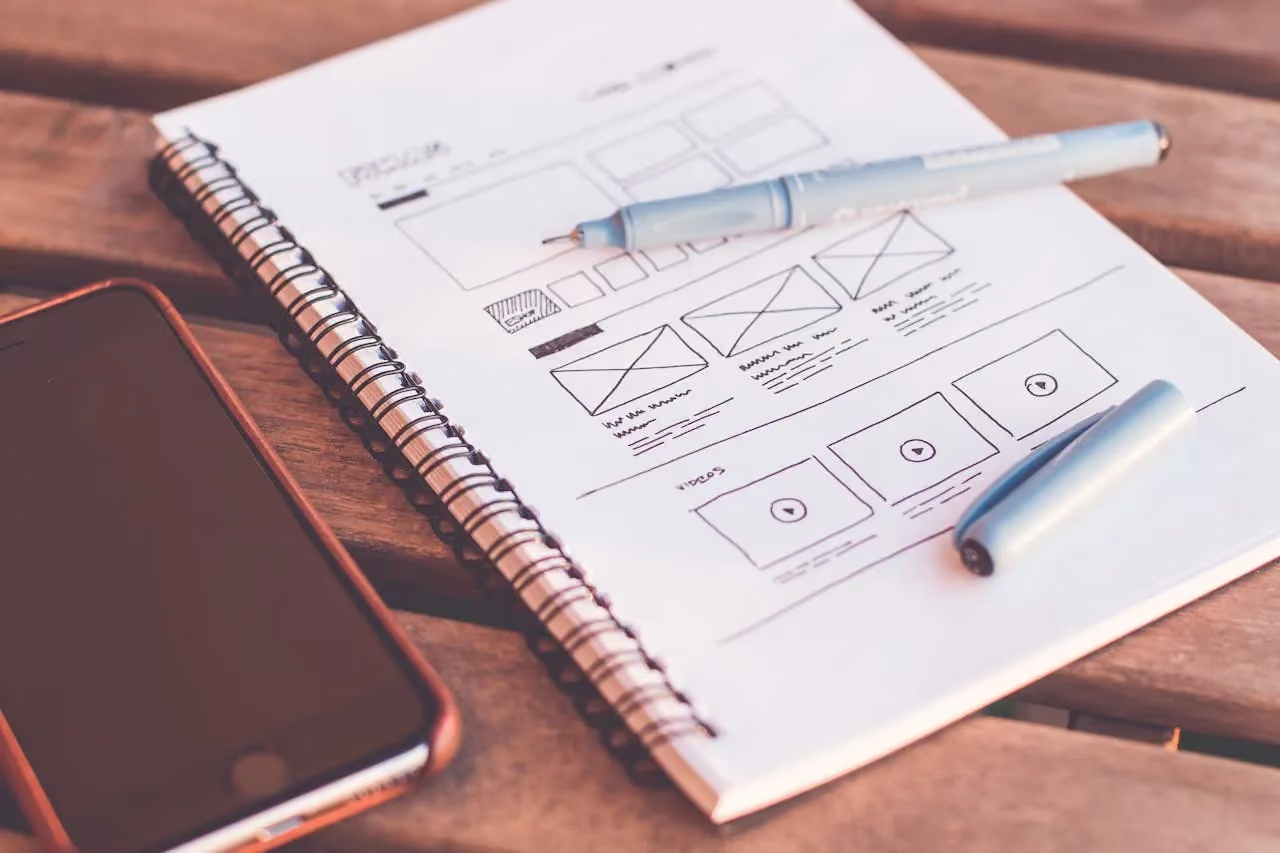
A practical homepage structure
For most small businesses, this structure works:
- Hero section: Headline (what you do + who for), subheading (one supporting sentence), primary call to action button, phone number
- Services overview: Three to five main services with brief descriptions and links
- Social proof: Reviews, testimonials, client logos, or a key case study result
- About snippet: Two to three sentences about your business with a link to the full about page
- Call to action: Repeat your primary CTA with a different framing
That’s it. Clean, focused, and built around what the visitor actually needs to decide whether to get in touch. Everything else lives on its own dedicated page.
If your homepage is currently trying to be your entire website, strip it back. You might be surprised how much more effective a focused homepage is than a cluttered one.
Want to see where your current homepage stands? Our free business audit includes a review of your site’s layout, messaging, and conversion points. Or if you’re ready for a proper redesign, have a look at our web design services to see how we approach it.
Frequently asked questions
How many words should be on a homepage?
There’s no hard rule, but most effective small business homepages have between 300 and 800 words of actual content — not counting navigation and footer text. The key is that every word earns its place. A 400-word homepage that communicates clearly beats a 2,000-word page that nobody reads.
Should I put pricing on my homepage?
Generally, no — pricing deserves its own page where you can add context. But giving a rough indication (“websites from £2,000” or “monthly plans from £99”) can be effective for filtering enquiries. If you’re tired of fielding enquiries from people who can’t afford your services, a price anchor on the homepage can help.
How often should I update my homepage?
Review it every six months at a minimum. Update it whenever your services change, you get notable new clients, or you have fresh testimonials. Your homepage should reflect your business as it is now, not as it was when the site was built.
Do I need a blog on my homepage?
Showing your latest two or three blog posts on the homepage can be useful — it shows Google and visitors that your site is active and you know your stuff. But don’t let the blog section dominate the page. A small “Latest insights” section near the bottom is enough.