Refreshed 19 May 2026: The Kingsland Fabrications (Warrington) year-long applied AI journey continues: from physical Kanban to custom MES + paint notes AI (2 hrs/day saved), invoice matching, drawing extraction, shop-floor assistant. Real Tameside/GM results only. Explore the new solutions for fabrication and use-cases/ hubs we added this month, plus the full case: /case-studies/kingsland-fabrications/.
Most articles about AI for small manufacturers are written by people who’ve never set foot in a fabrication shop. They talk about “digital transformation” and the future of Industry 4.0 and leave you none the wiser about what actually works in a business turning steel into parts on a Tuesday afternoon in Greater Manchester.
This article is the opposite.
Over the last year we’ve been working with a specialist UK steel fabricator, building a custom manufacturing system from the ground up. It’s what people in industry call a Manufacturing Execution System, or MES, the software that actually runs a shop. Ours didn’t arrive as a big-bang project. It started small, solved one problem well, and grew in the direction of whatever pain was costing the business the most hours that month.
Somewhere around month four, AI started finding its way in. Not because we thought AI was trendy, because specific jobs on the shop floor were obvious candidates and the tools had matured enough to do them reliably.
Here’s what that journey actually looked like.
The starting point: no website, no system, everything in someone’s head
Before we started working together, the business had never had a website. They ran on word of mouth, spreadsheets, email, and the knowledge inside the MD’s head. That’s more common in UK manufacturing than the sector admits, and it’s not necessarily a problem, until it is.
The first piece of work was actually the marketing site, a simple thing to make them findable on Google. The bigger piece, the one that became a year-long collaboration, was the MES behind the scenes.
Phase 1: Get the workflow out of people’s heads
The earliest version of the system did one thing: model how a job actually flows through the shop.
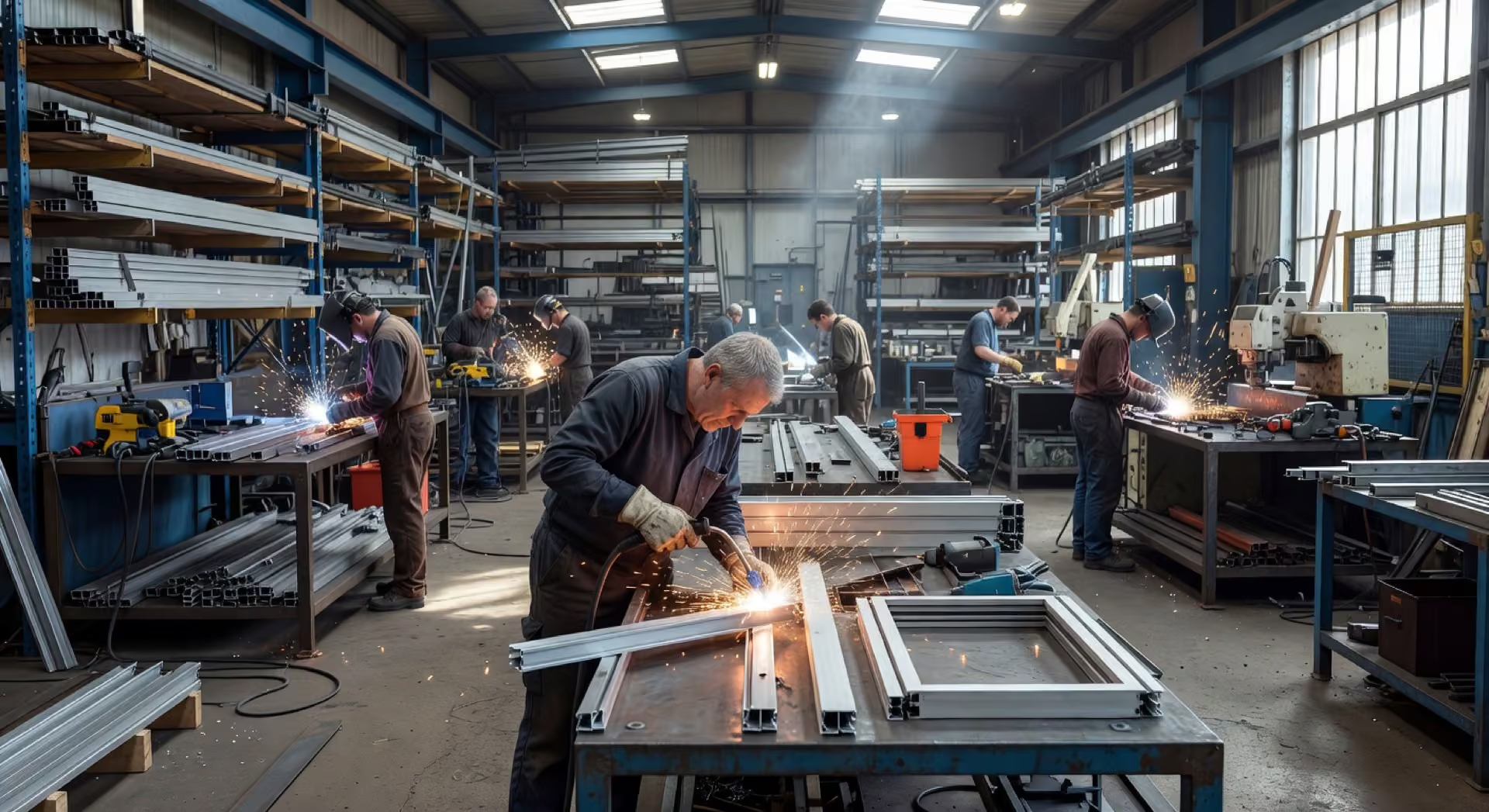
Fabrication isn’t neat. A job might arrive as a PDF drawing, a phone call, or a scribbled note from a site visit. It passes through cutting, forming, welding, finishing, paint, and delivery, with hand-offs at every stage. In a busy shop, hand-offs get missed. Glass gets ordered late. A customer doesn’t get their scheduling link. A delivery note doesn’t get printed.
The workflow engine we built is event-driven, every stage transition triggers the next action automatically. Glass orders go to the supplier on schedule. Customers get scheduling links. Delivery notes generate themselves. Managers get involved only when a genuine decision is needed, not to push paperwork between stages.
No AI here. Just good software design. This is worth saying out loud: the biggest win in most SME manufacturing automation projects is not AI, it’s getting your workflow out of WhatsApp and spreadsheets and into a proper system.
Phase 2: The first AI workflow, reading cutting lists
A few months in, one specific job kept coming up as a time sink: writing paint notes for the powder coating supplier.
Every drawing ships to paint with a cutting list, a PDF with hundreds of profile specifications, linear metres, finish requirements, and notes about which profiles to leave bare. Someone in the office was going through these by hand, categorising profiles, totalling linear metres, and flagging items that shouldn’t be coated. Slow, boring, and easy to miss something on a tired Friday afternoon.
This was the first place AI made obvious sense. The documents were structured. The rules were known. The cost of a mistake, stainless coated by accident, was expensive and annoying.
We built a workflow that reads the cutting list PDF, extracts every profile specification, categorises them, calculates linear metres per category, and flags anything marked “do not coat.” The output is a paint note document ready for the supplier.
The time saved per drawing went from hours to minutes. More importantly, the flagging catches things that tired eyes can miss.
Phase 3: Supplier invoice verification
The second AI workflow was supplier invoices.
Every supplier invoice is a PDF. Every invoice needs checking against the original purchase order, quantities, unit prices, totals. Someone in the office was doing this one line at a time, an invoice at a time, and when the shop was busy, discrepancies slipped through.
We built a pipeline that reads each invoice, runs a multi-pass matching algorithm against the PO sitting in the accounting system, and flags anything that doesn’t reconcile. The match rate on standard invoices is close to perfect. Anything below the confidence threshold comes back to a human for review.
What used to take 15 to 30 minutes per invoice now takes seconds. Nothing gets paid that shouldn’t.
This is the kind of project that pays for itself in weeks, not years, and it’s the easiest place to start for almost any manufacturing business. Structured documents, known rules, obvious return.
Phase 4: A conversational assistant for the shop floor
The third AI workflow was for the people actually on the tools.
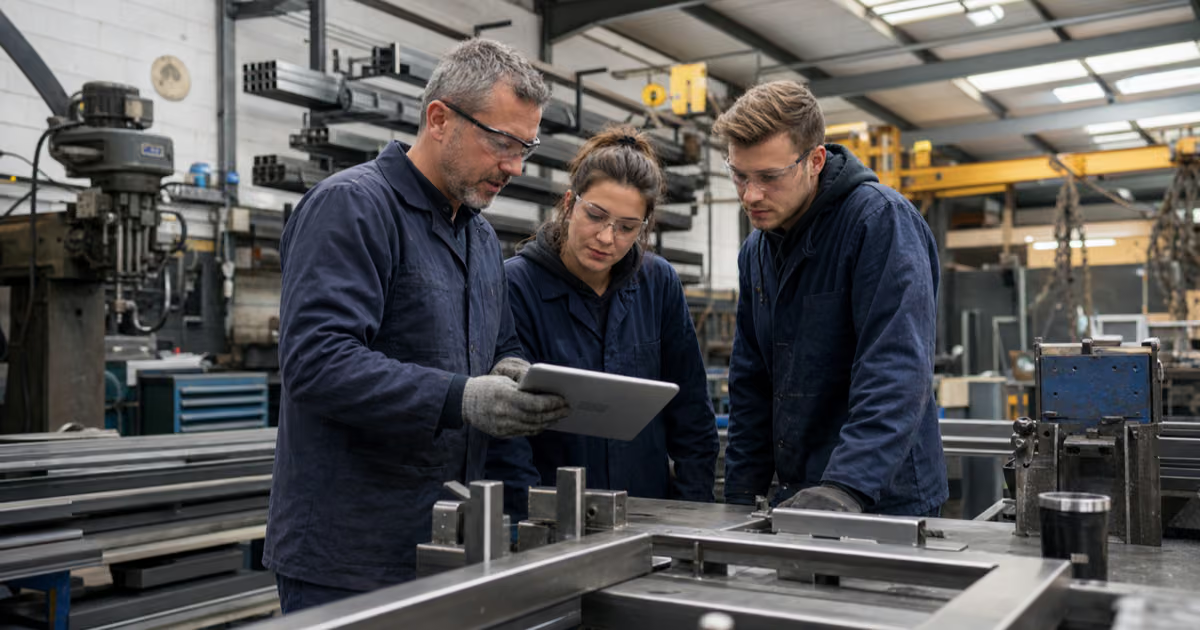
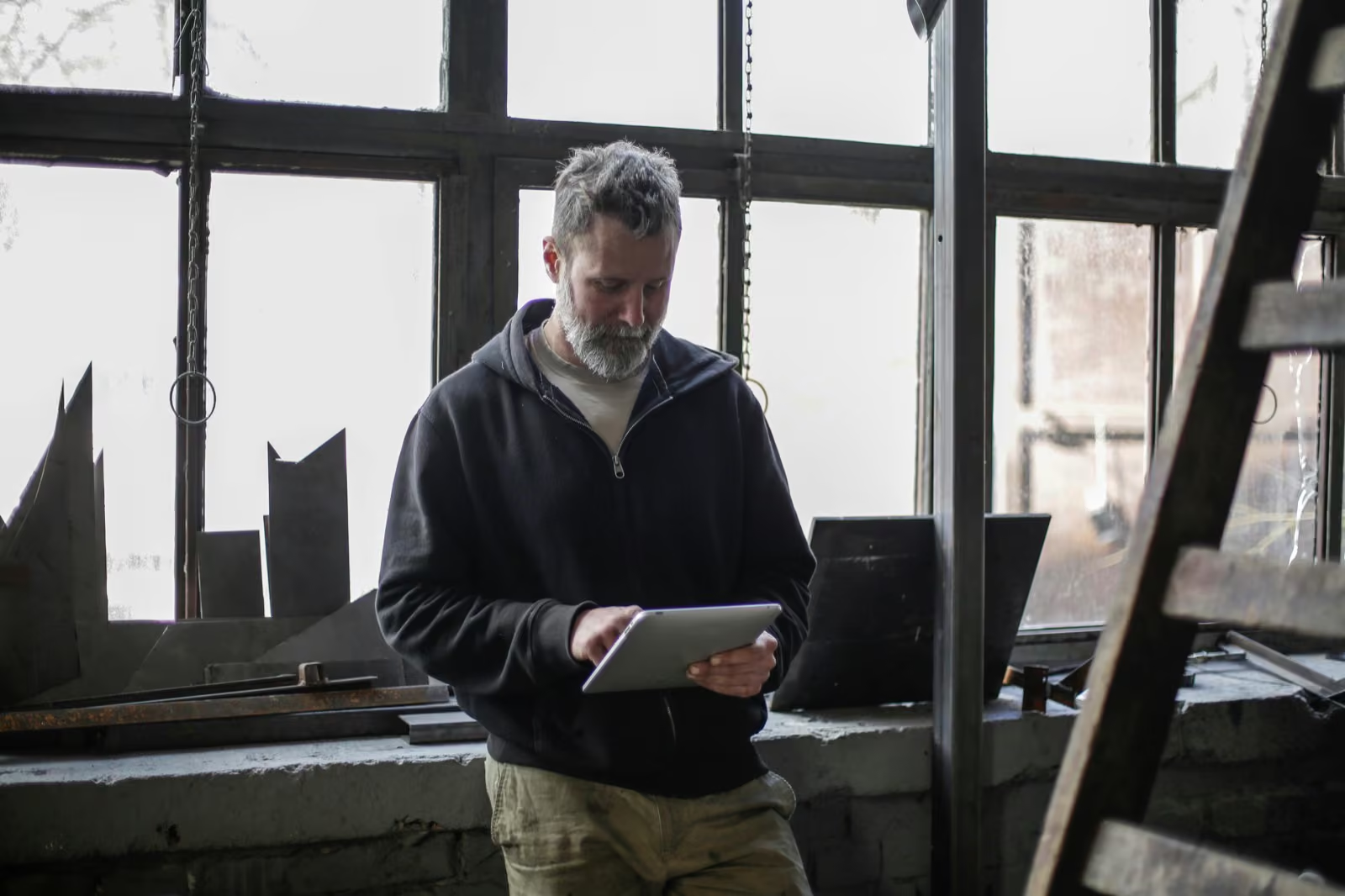
When you’re stood next to a press brake in hi-vis and safety glasses, with oily hands, you don’t want to log in to a web dashboard. But you do need to know things: where is this job, what’s due this week, what was the material spec on that cutting list.
We built a conversational assistant shop-floor staff use daily. They ask questions in plain English, “where’s the job for the Leeds order?”, and get instant answers. It can also start and stop tasks, log quality issues, and move jobs between production stages. Crucially, every state-changing action has a safety confirmation, because a radio crackle over a word like “complete” can’t be allowed to move a job through production by mistake.
The interesting engineering wasn’t the AI itself. It was designing the confirmation flow so nothing gets moved accidentally. Applied AI is about 20% AI and 80% thinking about the real-world context it runs in.
Phase 5: Vision models for quality checks
The most recent addition is vision-based quality assistance.
Quality checks before paint are a human-eye job. A weld that isn’t clean, a profile with a flaw, a finish that isn’t right. Humans miss things, not through carelessness, but because attention is finite and the shop is busy.
We added a workflow that analyses photographs of parts for defects. It doesn’t replace the human inspector. It backs them up. Anything flagged gets a second look before the part goes to paint.
This one is worth being honest about: computer vision on real-world, unstructured objects is harder than reading invoices. It took iterations. The model had to be trained on what the inspectors actually look for, not what a generic “quality AI” thinks matters. That’s true of almost any vision project, it’s a collaboration between the people doing the job and the people building the tool, not something you buy off a shelf.
Phase 6: Live analytics
Alongside all this, the MES quietly grew a dashboard that shows what’s happening in the shop now, jobs in progress, jobs due, bottlenecks forming, capacity available for new enquiries. Not a report at the end of the week. Not a spreadsheet updated on Friday afternoon. Live.
Decisions happen on information that’s true right now.
What a year of this actually teaches you
If you own a UK manufacturing business and you’re wondering what to do with AI, the honest summary after a year of this work is:
Build the system first, then add AI. The biggest wins in the first six months were boring software, workflow engines, integrations, dashboards. AI got layered in where specific jobs were obvious candidates. Without the underlying system, there’s nowhere for AI to plug into.
Start where the data is already structured. Invoices, purchase orders, cutting lists, delivery notes. Return is fast, accuracy is high, and the cost is predictable. Leave the messy, unstructured stuff (vision, natural language, anything customer-facing) for later, when the wins from the structured stuff have paid for the rest.
Don’t start with a chatbot. Customer-facing AI chatbots are the shiny demo but they’re rarely the highest-return project for a manufacturer. The biggest wins are internal, the hours of admin nobody enjoys doing.
Buy an audit, not hype. Any AI work should start with someone who understands your processes walking your shop, reading your documents, and telling you honestly which automations will pay back quickly and which won’t. We run this as a paid audit so we’re not incentivised to oversell. If AI isn’t the right tool for a particular job, we say so.
AI works alongside people, not instead of them. Every workflow we’ve added is designed to give the team more time for work that actually needs a human. The MD still walks the shop. He just has better information.
What our client says
“We never had a website before. Now we’re getting enquiries from Google that we never would have seen.”
, Stephen Chappell, MD, Kingsland Fabrications
Frequently asked questions
How much does applied AI like this cost? It depends on scope. Focused projects (one document type, a single workflow) start from around £2,000 to £3,000. Multi-workflow automation across several processes typically ranges from £5,000 to £15,000. Full bespoke AI-powered business systems that grow iteratively over months range from £15,000 upwards and roll out in phases so you see value early. We scope and quote every project upfront.
How long does it take to get live? A focused automation can be live in one to two weeks. Multi-stage workflow builds typically take four to eight weeks. Full systems like the one above are year-long partnerships that evolve with the business, you see working software in the first few weeks, not at the end.
Do we need our own IT team? No. We build, deploy, monitor, and support everything. Your team gets training and a system designed for real people, not developers.
Is our data safe? Yes. We use enterprise-grade AI providers with strong data protection. Data stays in the UK where possible, and we follow GDPR best practices. We never use your data to train third-party models.
If you’re a UK manufacturer wondering what applied AI could actually change in your business, we run a proper scoping audit before any build work. Book a consultation or see the Kingsland Fabrications case study for more on the partnership described above.
We build custom software and bespoke AI tools around how your business works: customer portals, quote systems, internal tools, document checks and connected workflows. If an existing product does the job, we will recommend it. AI belongs where it adds value, with your rules and approvals built in.
Explore the serviceTell us what you want to improve →
Also relevant: AI Agents